
01 · Browser
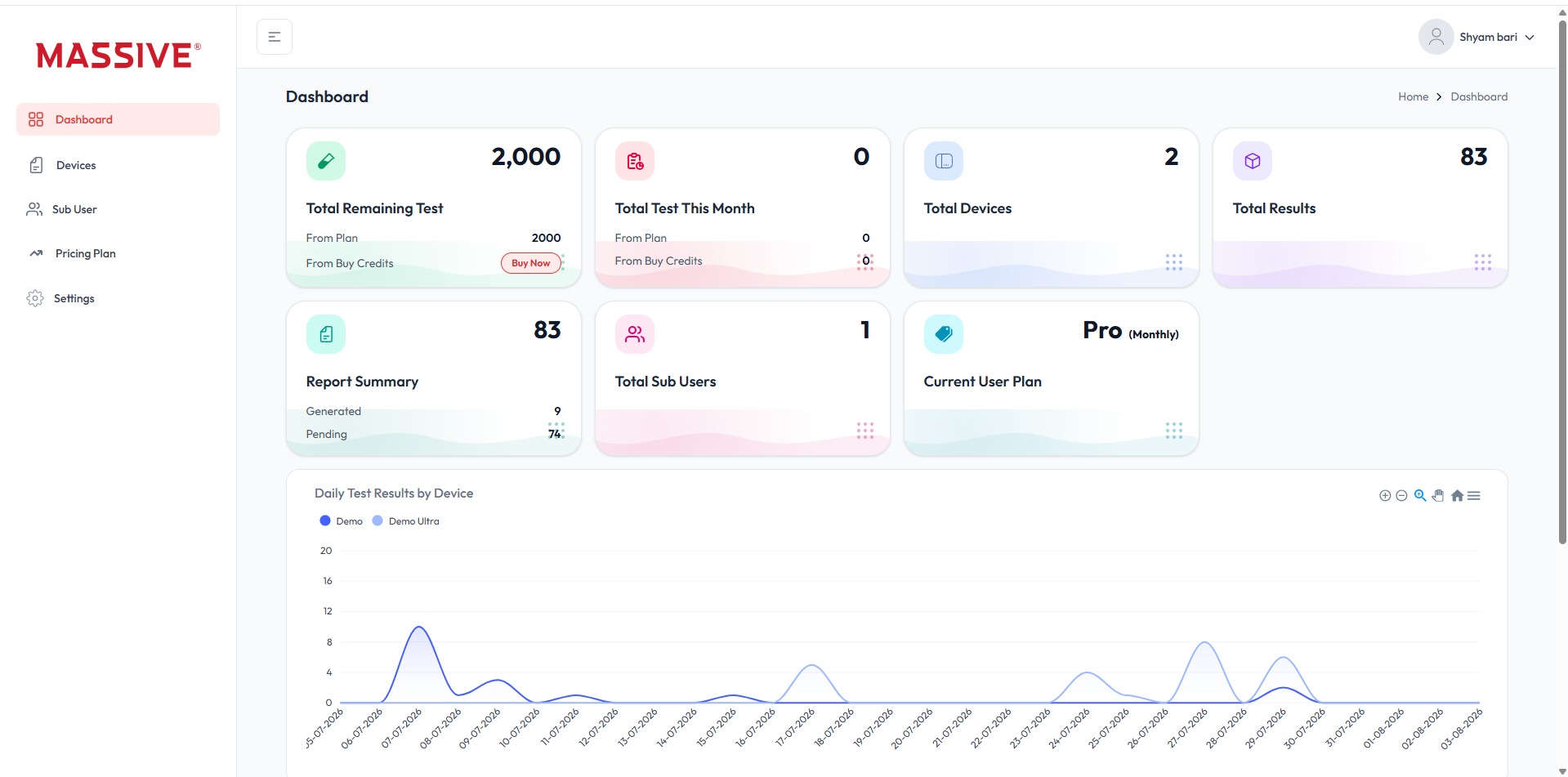
Web panel dashboard
Review remaining tests, connected devices, reports, sub-users and daily activity from one browser workspace.
Open Web PanelOperate supported machines, preserve test history, save images and create reports across mobile, tablet and web.
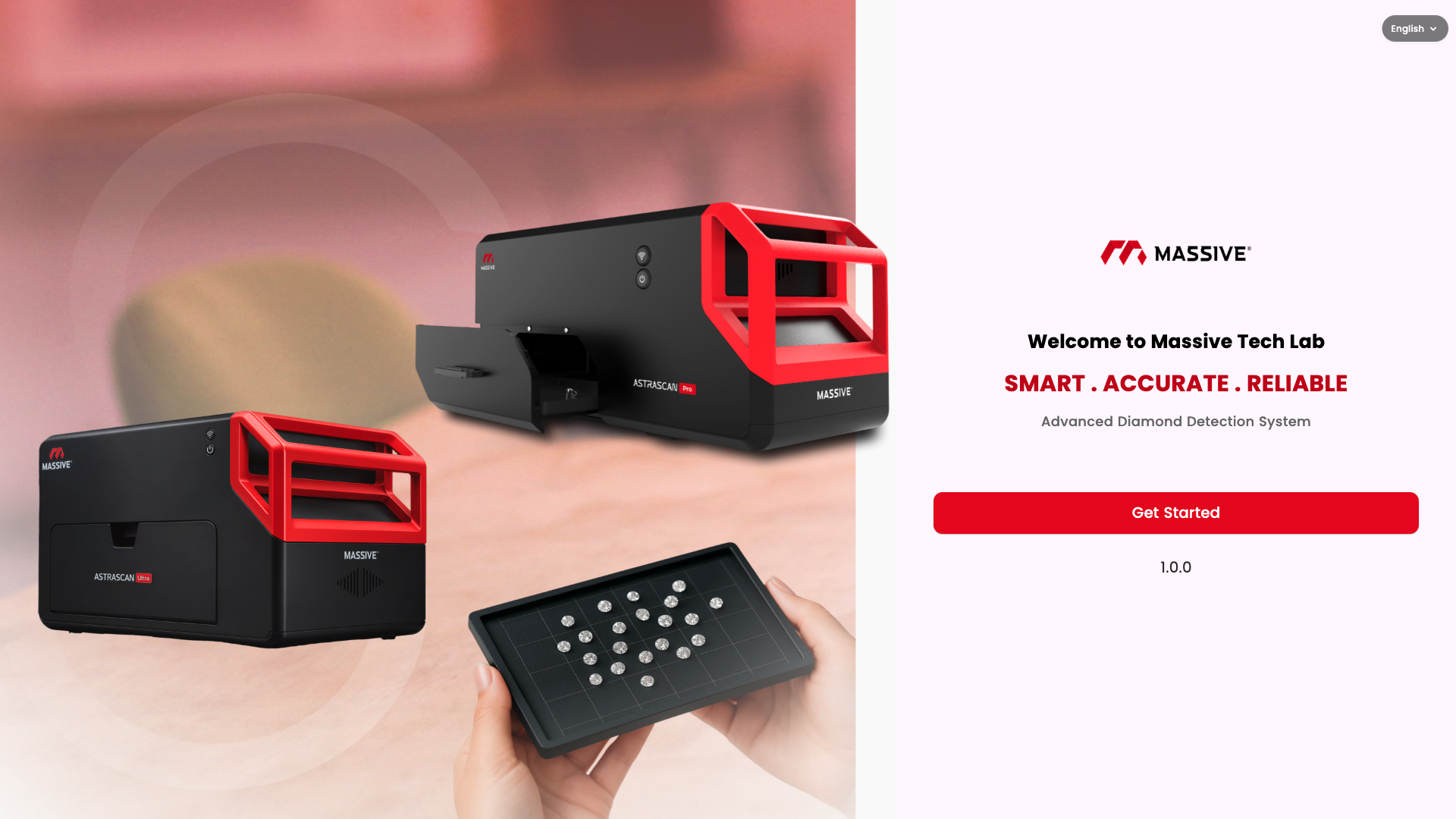
Use the official Android or iOS app for supported mobile workflows.
Move between the mobile app, desktop software and browser dashboard while keeping devices, results and reports organised.
Review remaining tests, connected devices, reports, sub-users and daily activity from one browser workspace.
Open Web Panel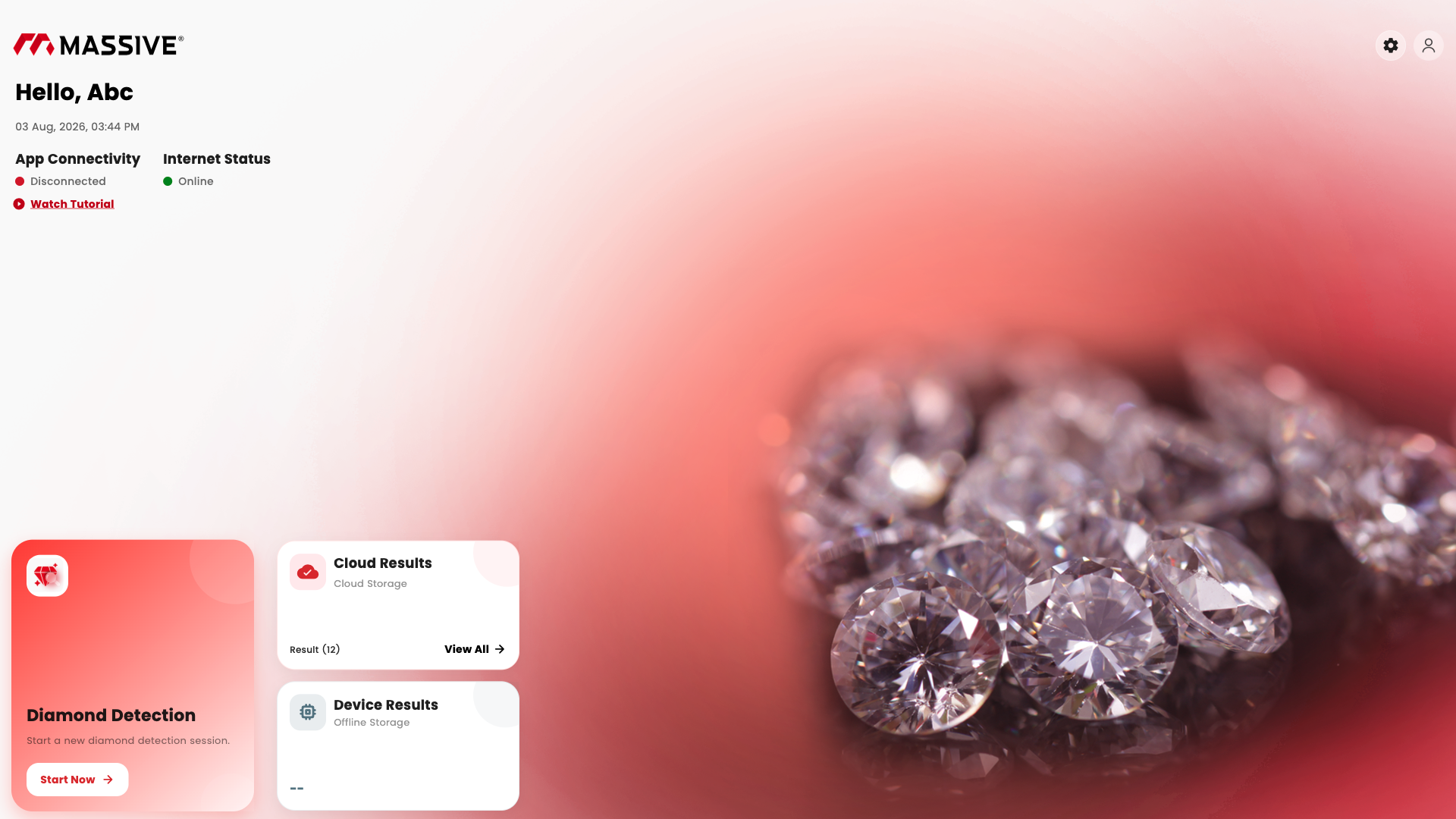
Start detection, review app connectivity and access cloud or device results from a focused desktop workspace.
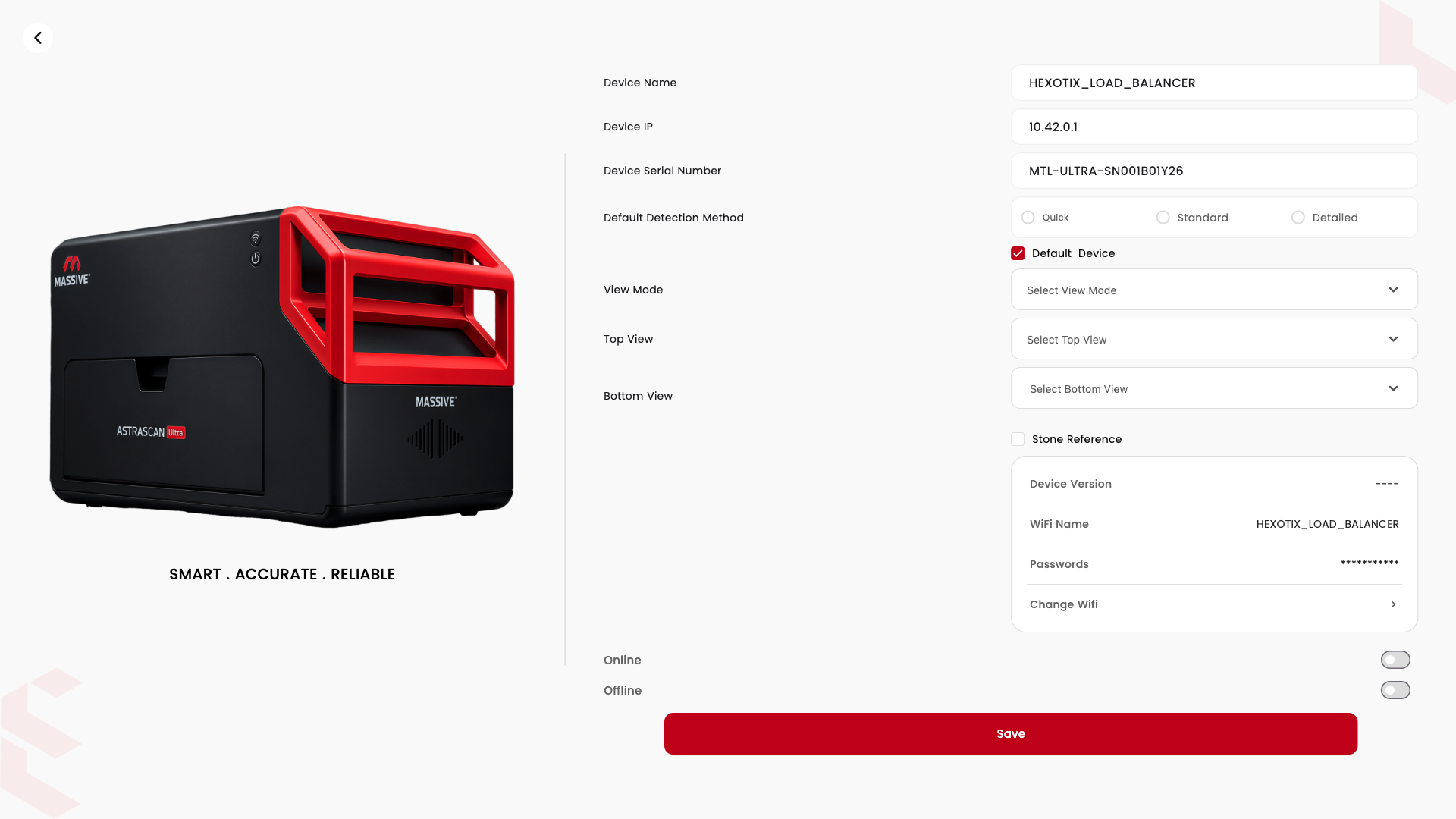
Review the connected machine, detection method and supported device settings in a structured panel.
Real My Massive screens show the supported mobile journey across device connection, detection, review and reporting.
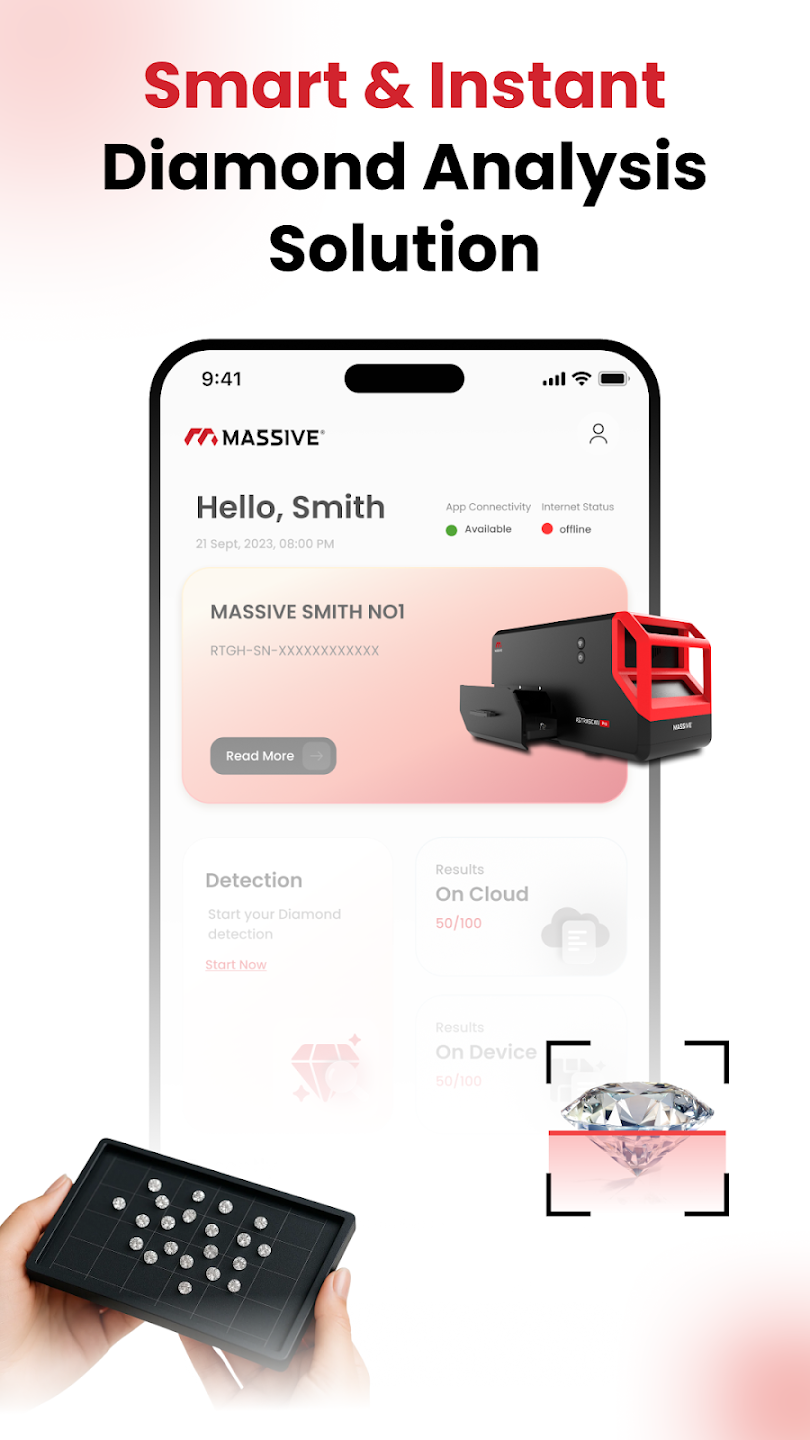
Start a connected screening workflow and review device availability.
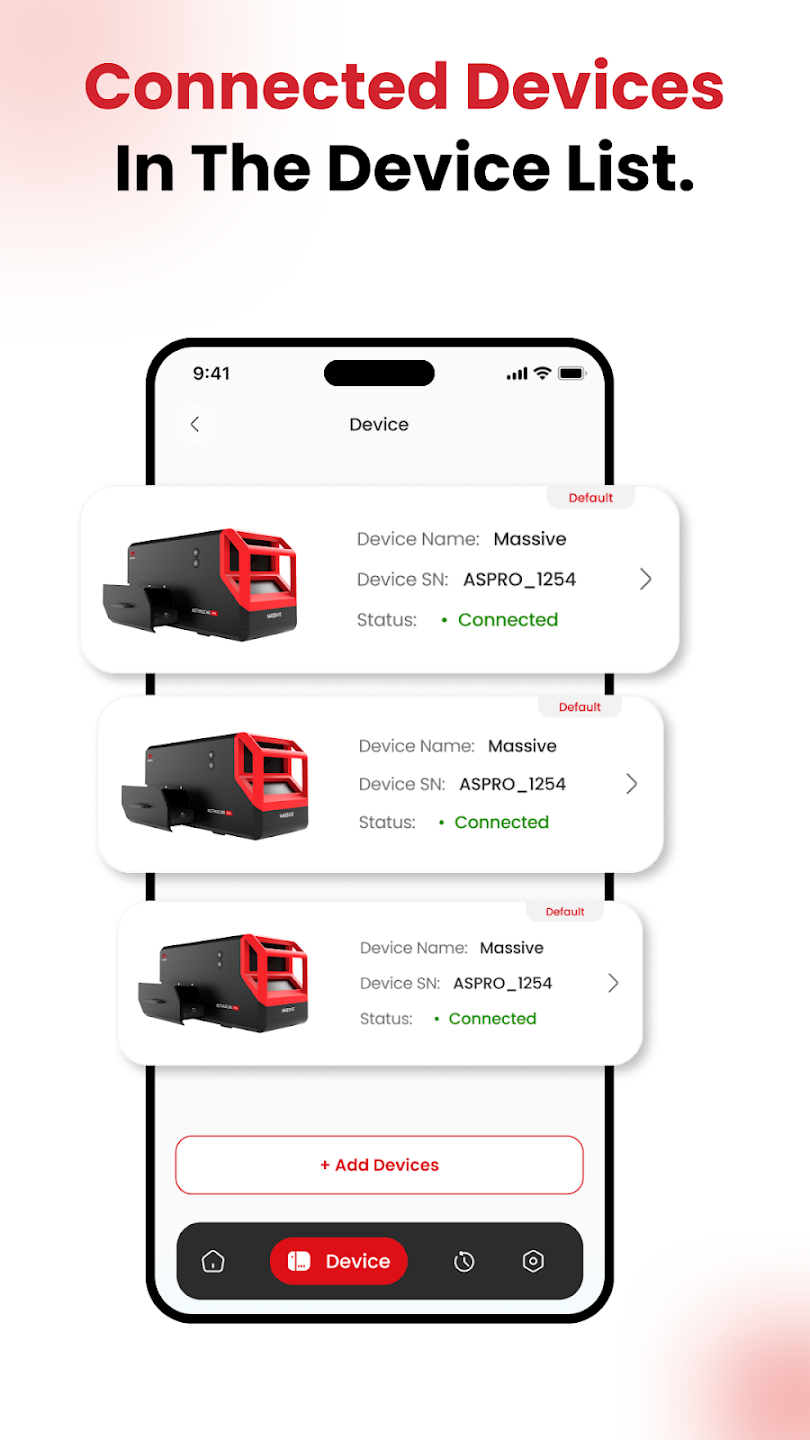
See available AstraScan systems and their live connection status.
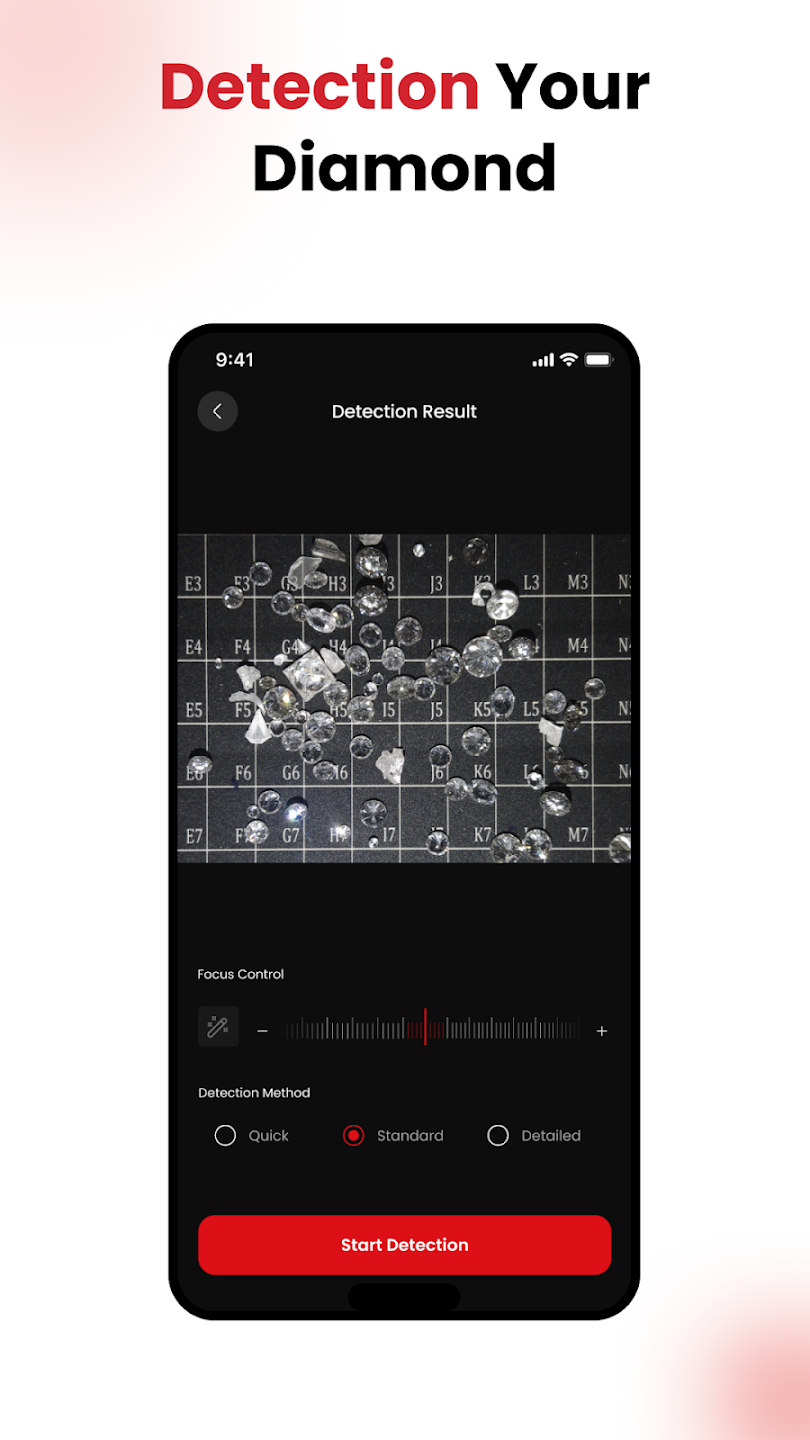
Choose a supported method and begin the detection cycle from the app.
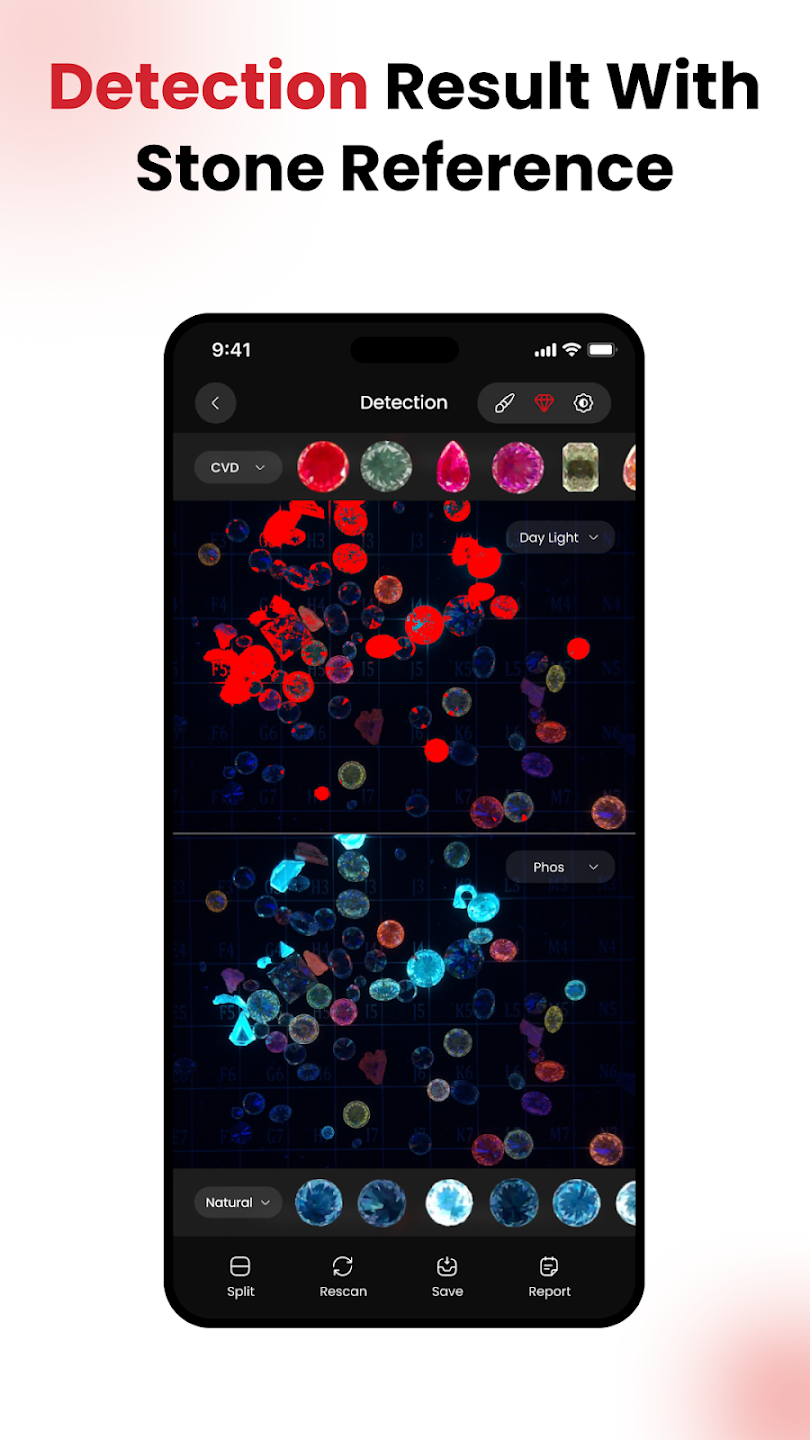
Review detection visuals alongside supported stone-reference views.
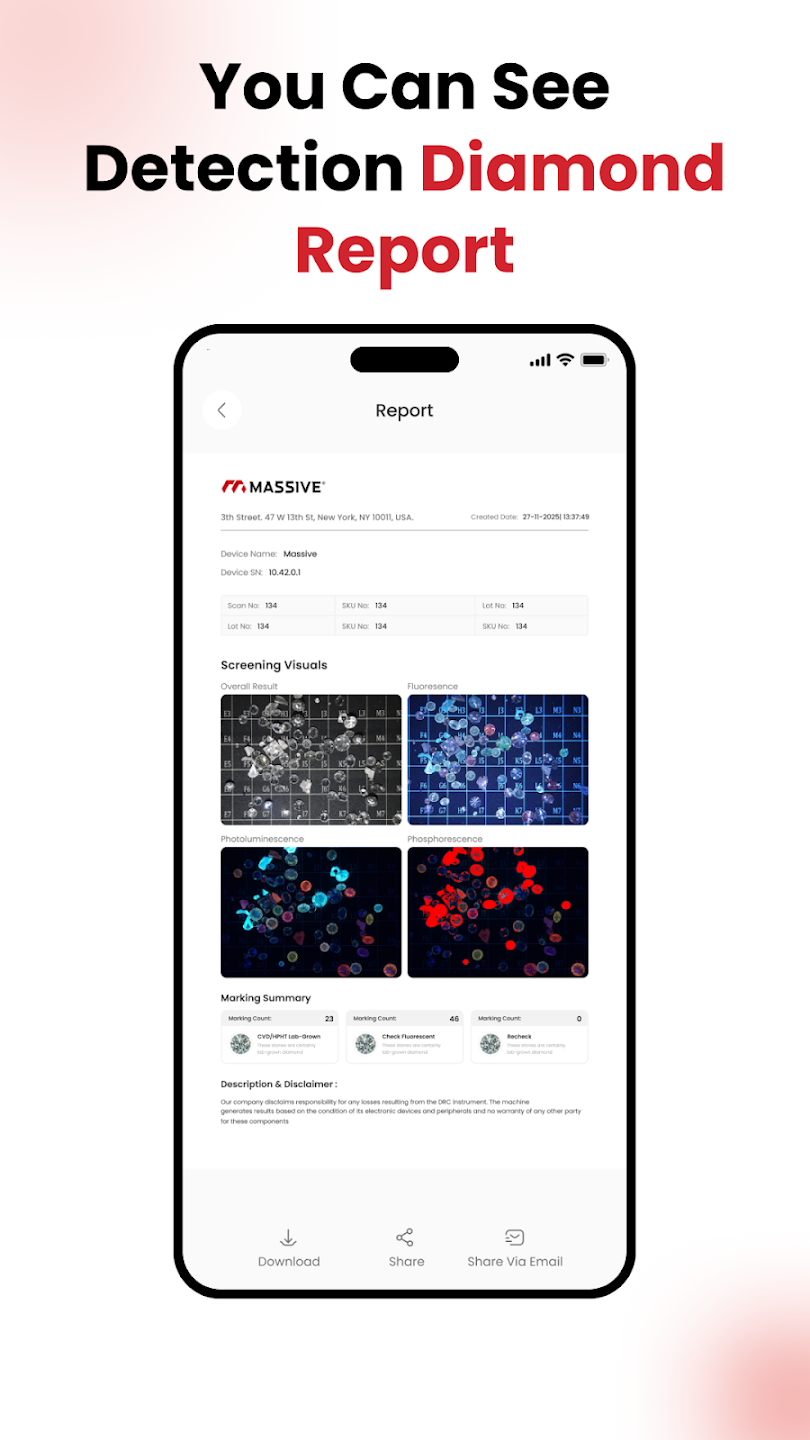
Review, download and share the generated screening report.
Android and iOS operation with offline testing, test history, saved images, PDF reports and remote updates.
Mobile, tablet and web access with offline operation, cloud features, multiple users and multiple supported machines.